
GUIDE · CREATIVE PRACTICE
An introduction to an Obsidian workflow for people who write notes everywhere.
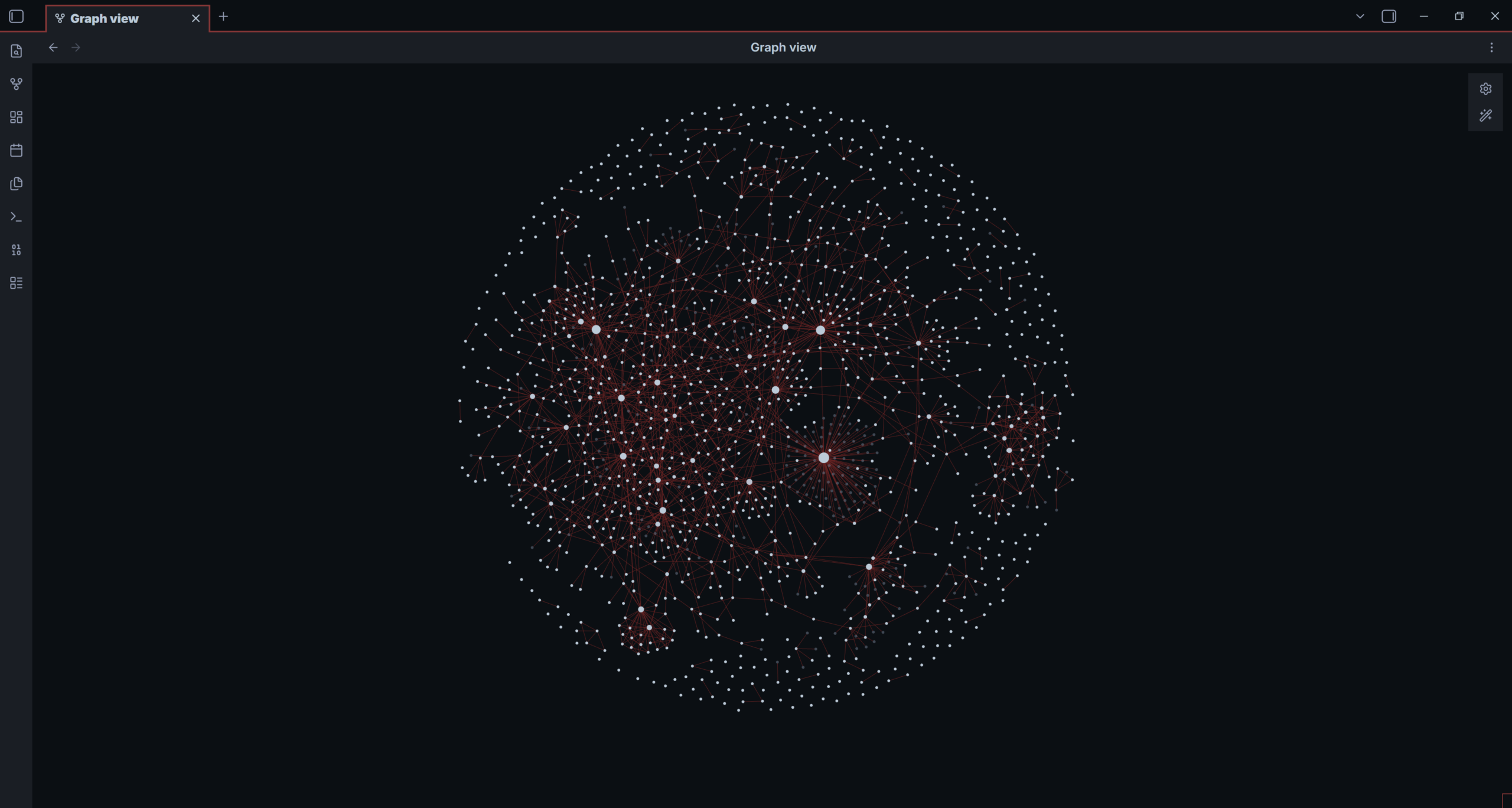
This is what building a second brain looks like!
I feel my ideas exist in a 3D space…
I can have one idea directly in front of me, another hovering somewhere above my head, and a third sitting behind me like it has been waiting for the conversation to catch up. That is genuinely the closest description I have for the way my thoughts arrive. Imagine organizing that.
For a long time, my Notes app was where those thoughts went to disappear. I wrote everything down: an idea for a magic routine, a thought about my music, a line from a book, a question about psychology, a half-formed script. Everything went into a note within the app and returning or connecting ideas got more complex with each new note being added. Finding anything again was the part that never worked.
Then I found Obsidian. This is not an ad and nobody is paying me to say it (and it is a free app). I have used it for years because it gave me a way to build a second brain and organize my notes in ways I never imagined but always needed.
Obsidian is basically Wikipedia for your brain
The simple version: you can make a note about anything, then link it to another note from inside the note itself. Or see if a note has been mentioned in other notes. Notes all the way down. Take note of that!
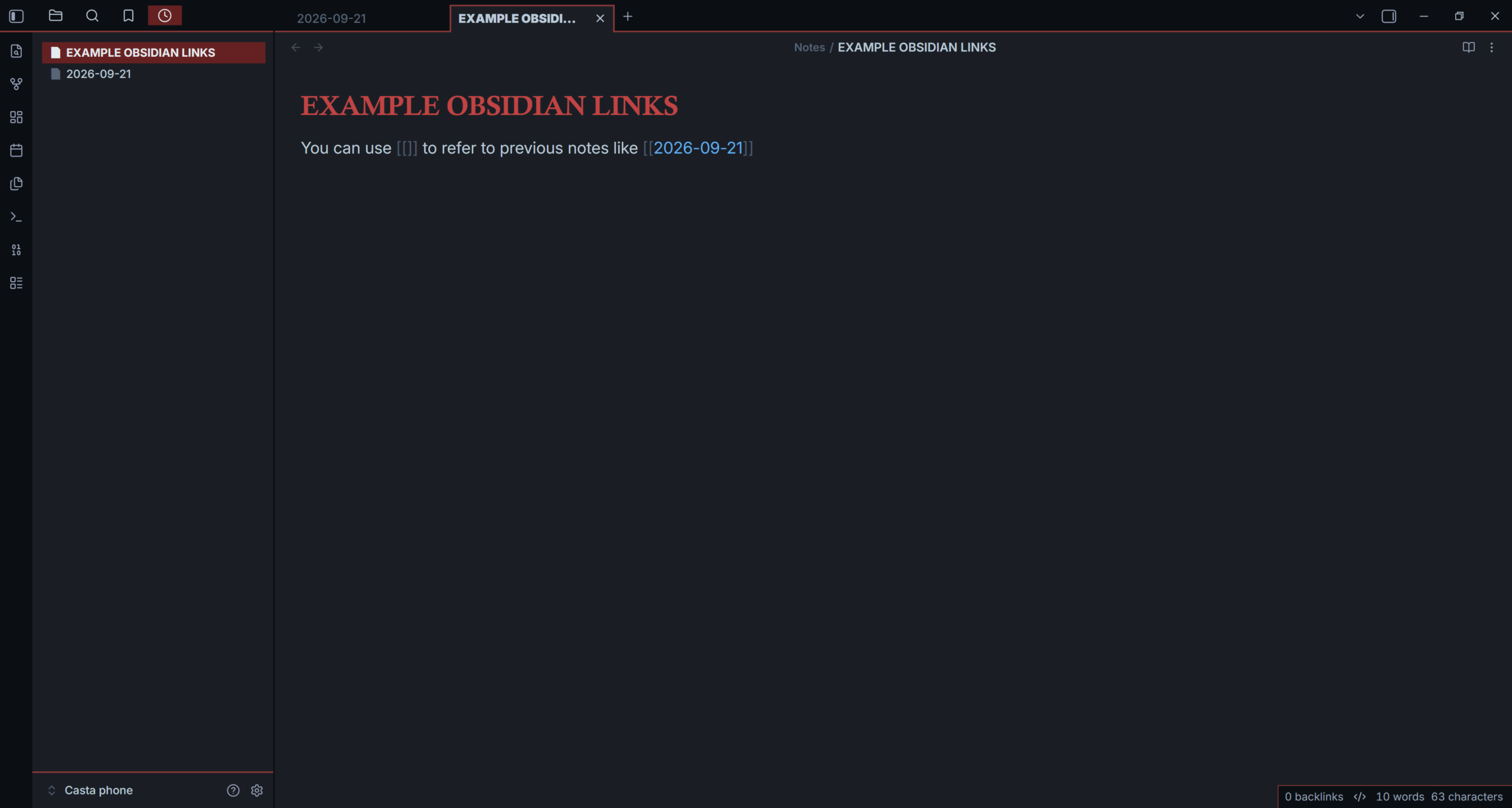
In Obsidian, type [[ and start writing the name of another note. That makes a link. It may sound almost inconsequential, but it lets you connect notes seamlessly and effortlessly.
Maybe you started a script in January. Two weeks later, you rewrote it and changed the ending. That script can link to the dated working sessions, earlier versions, a note about the punchline, and bigger subjects such as Magic, Psychology, or Audience Attention. Months later, you do not need to remember exactly where you put the thought. You can enter through any of the connected ideas.
Start with a note. Then link it to another thought.
If you want to try this without turning it into your new administrative hobby, start here:
1. Capture one thought in its own note. A title, a question, a reference, a problem, a date, anything worth writing down in your notes. For example, you write down a song that you have been listening to recently.
2. Add two links. One can be about the author of the song so you can later write about the artist and connect it to the song. The other link can be to a note about songs that you have been wanting to learn or add to a playlist (or even to the date that you heard that particular song)
3. Make another note or hashtag when a subject starts connecting material. You can have a note titled SCRIPTS, MAGIC, PSYCHOLOGY, or TO DO and link new notes to those.
That is enough. You do not need an elaborate folder system. Just write [[ to connect notes with each other and brick by brick you will notice how connections appear.
This is a very old idea (older than computers)
Organizing thoughts has been done for ages, this one has a particular name: the Zettelkasten system. It is like using index cards but way cooler.
The useful part is simple: keep ideas in small, separate pieces of paper (notes) and link them by relationship instead of category. A note can be unfinished. It can be strange. It can become important later because it has a connection to another note that you have been studying.
I have always struggled to organise and develop topics I am researching or studying. With the way I think, that was about ten times harder (I write notes everywhere: paper, phone, computer… and never find them when I need them). As someone with ADHD, I can have a million thoughts in a day and still have trouble remembering the date, place or event that I want to recall. Obsidian won’t fix that for me (therapy might, but it is way more expensive). But it makes me look for the connection that ideas have and how they are related to each other.
Thinking…In 3D!
The graph view is where Obsidian became fun for me. It turns your linked notes into a field of nodes and lines. A dense cluster might be a subject you keep returning to. A lonely note might be a question that needs further exploring. A long line between two areas can reveal a connection you would never find by scrolling through folders.
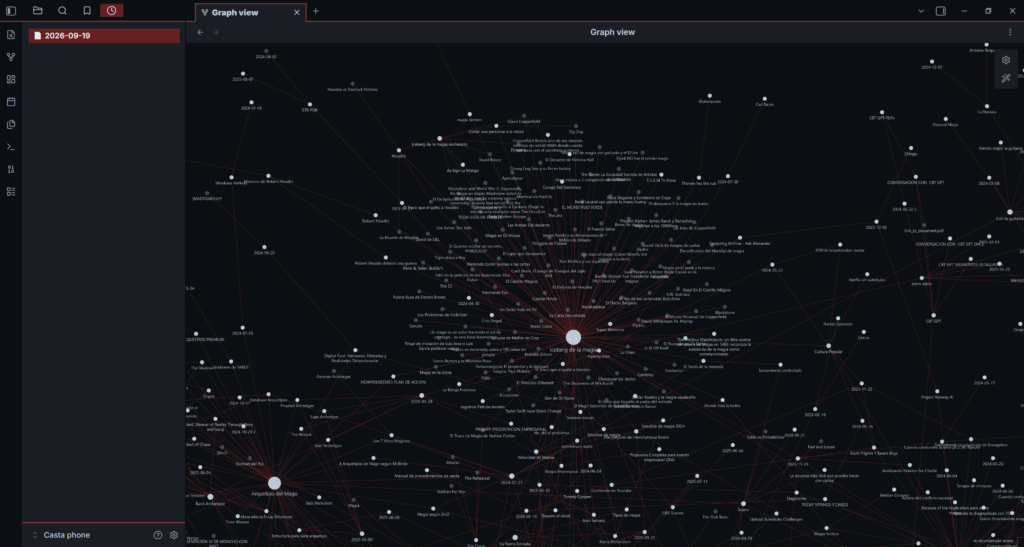
A closer look at my graph: magic, research, people, projects and unfinished questions meeting in the same place.
This might look a bit… eccentric. But it truly is a helpful tool to see what you have been building and how it all connects, sometimes you will find connections that you weren’t even expecting.
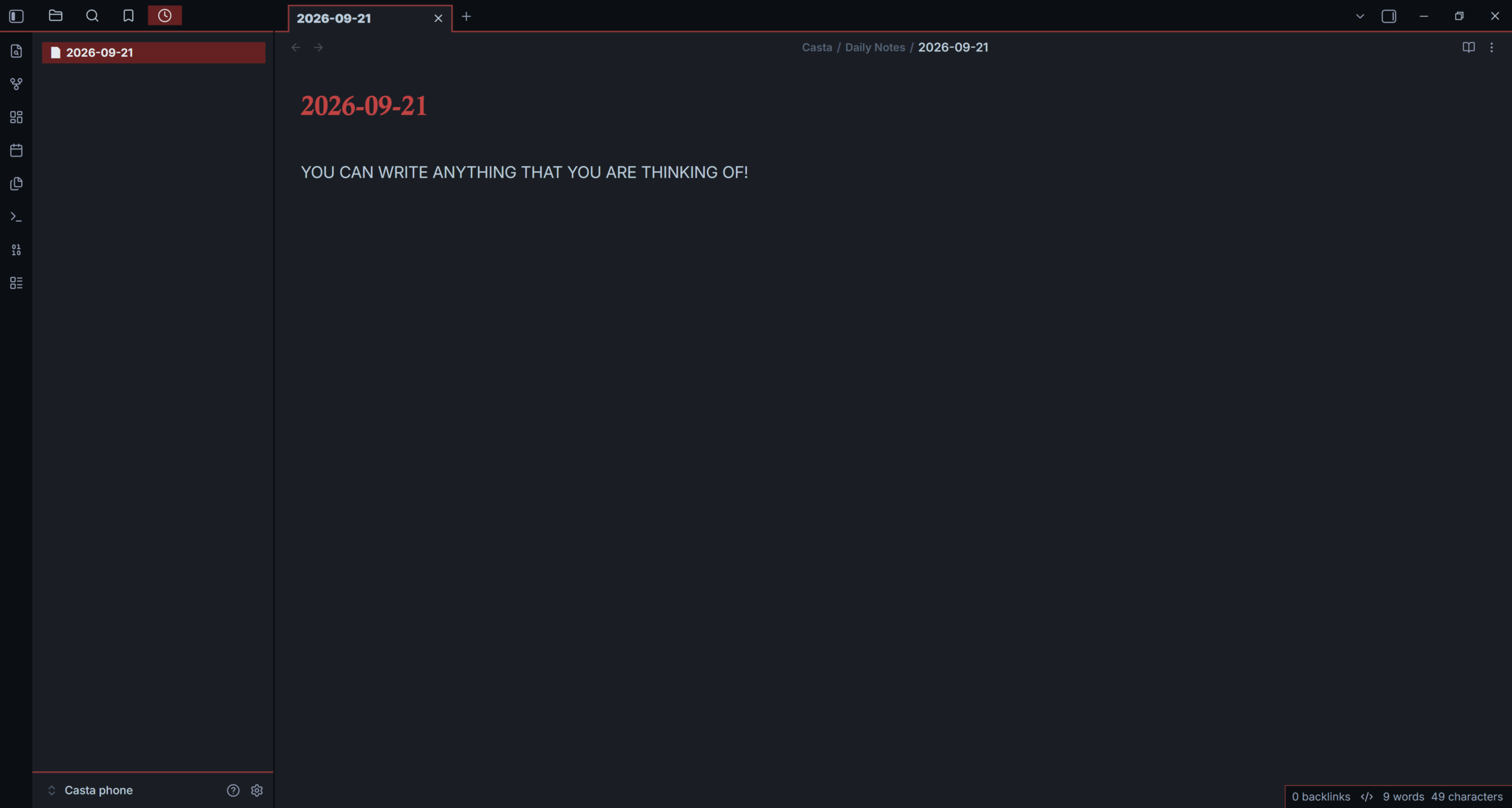
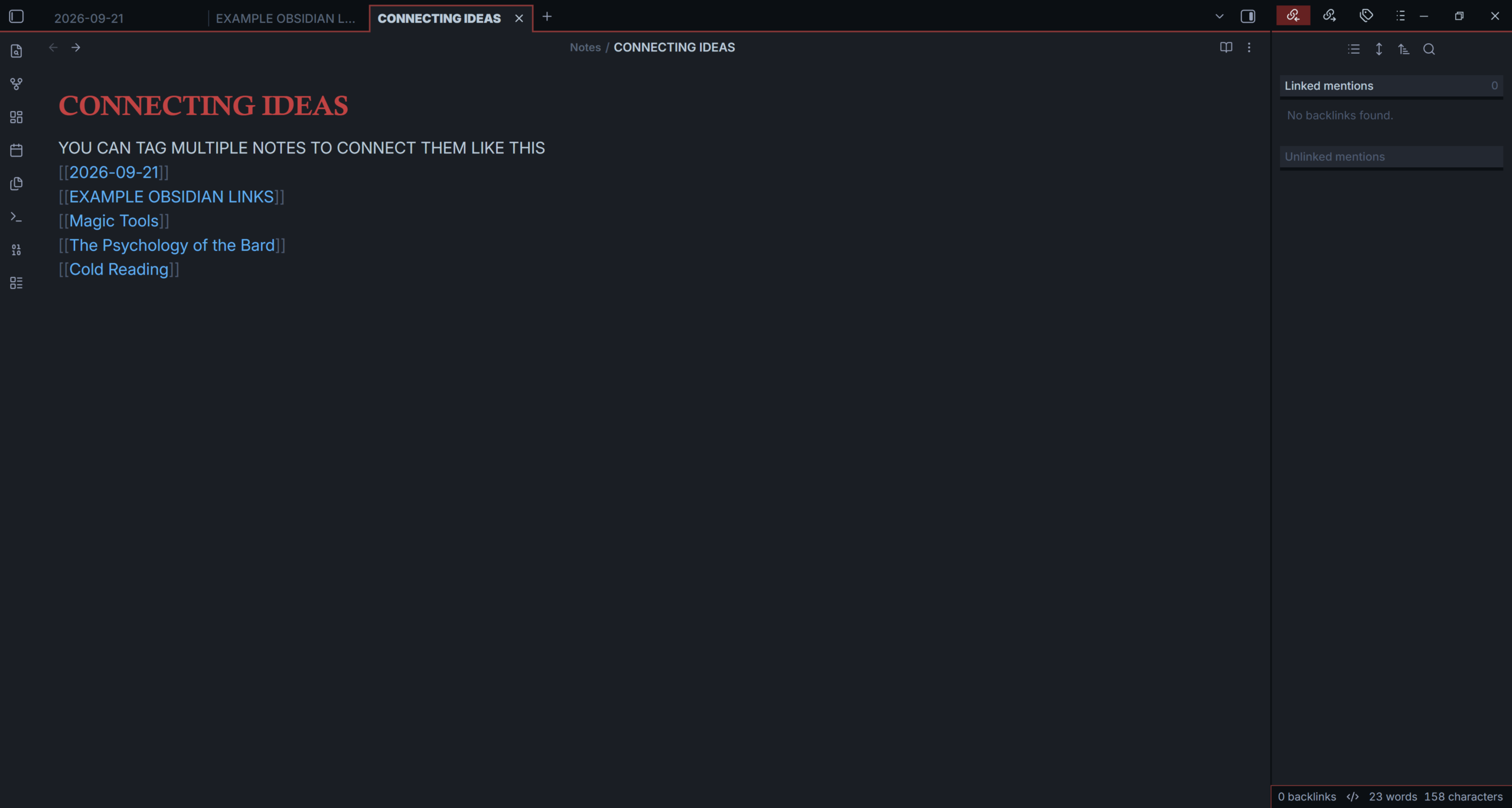
Turning all that noise into melodies that make sense.
When everything feels scattered, I do not try to organise my entire vault. Open one recent note. Link it to one older thought. Link it to one question it creates. Write one sentence explaining each connection. Then open the local graph and follow one route, the web will start to emerge.
This is a great way to return to a thought that had been left behind days, weeks, or even years ago. Connecting it to new perspectives can spark your creativity immediately.
You don’t have to build the perfect second brain. It is to make it easier for an idea you had six months ago to meet the idea you had this morning. Sometimes that is enough for something new to begin.
A tool for creatives!
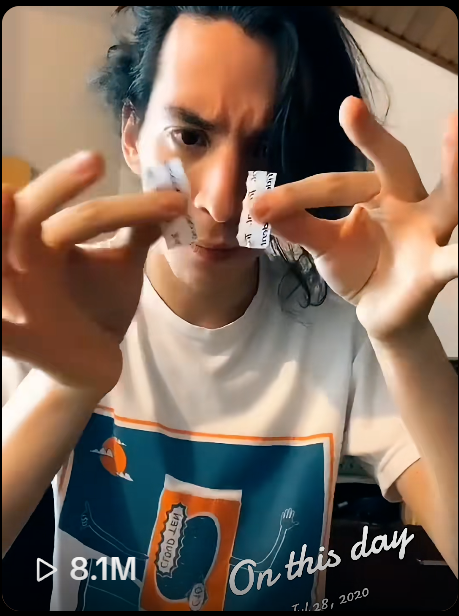
Organising my ideas this way gave me enough continuity to create one of my favourite pieces of magic: my torn and restored paper.
It became a place to write and catalogue its history, inspirations, variations and the practical ways I wanted it to work both for camera and when surrounded by people. That is what a useful system should do. It should help a project survive long enough to become real and connect ideas that exist in non linear ways.
References
Ahrens, S. (2017). How to take smart notes: One simple technique to boost writing, learning and thinking for students, academics, and nonfiction book writers. CreateSpace Independent Publishing Platform.
National Institute of Mental Health. (2024). ADHD in adults: 4 things to know. https://www.nimh.nih.gov/health/publications/adhd-what-you-need-to-know
Obsidian. (n.d.-a). Graph view. Obsidian Help. https://obsidian.md/help/plugins/graph
Obsidian. (n.d.-b). Internal links. Obsidian Help. https://obsidian.md/help/links